


Home
NettSend is a peer-to-peer (P2P) LAN instant messenger that works without external servers and uses zero-configuration networking within the local network.
Usage: Immediately after a message has been sent, a window opens on the recipient’s PC and prominently displays the message, so an immediate response from the recipient can be expected.
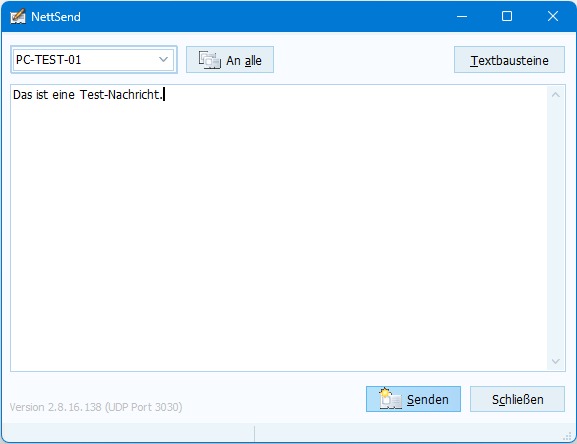
The software is ideal for internal communication in small networks. NettSend was originally developed for larger medical practices and is often considered indispensable in day-to-day operations.
Unlike other instant messengers, no external server is required. System administration effort is minimal. As soon as NettSend is started on a PC, that PC announces itself to the other NettSend PCs in the same LAN segment and becomes reachable for NettSend messages.
Tip: To send messages, simply click the small NettSend icon in the taskbar next to the clock. If the icon is hidden, you can correct this via “Customize notification icons” (right-click the clock).
Note: This tool is intended for use in a trusted environment only. Messages are not encrypted and are transmitted in plain text.